
A vessel-centred perspective
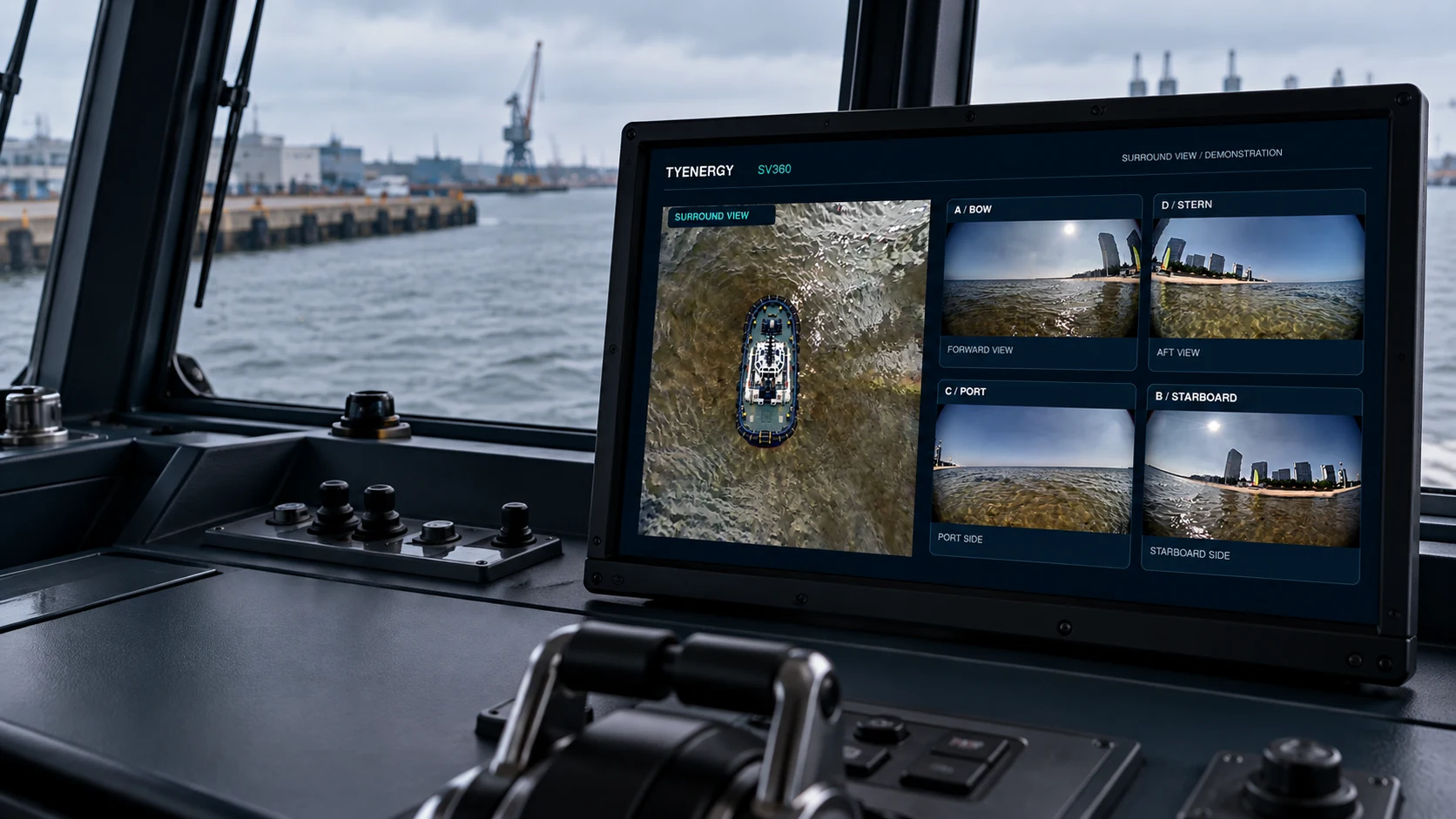
See surrounding water in a bird’s-eye visualization alongside the source views.
SV360 / VESSEL SURROUND VIEW
See bow, stern, port and starboard from one display. Camera-based observation for working vessels.
PRODUCT OVERVIEW
A 35-second introduction to the working environment and product views.
The video could not be loaded. Check your connection or download the clip below.
Product demonstration combining operational footage, test imagery and an illustrative vessel model.
THE PRODUCT
A bird’s-eye perspective alongside bow, stern, port and starboard camera views. Compare the surroundings without losing sight of the original images.
See surrounding water in a bird’s-eye visualization alongside the source views.

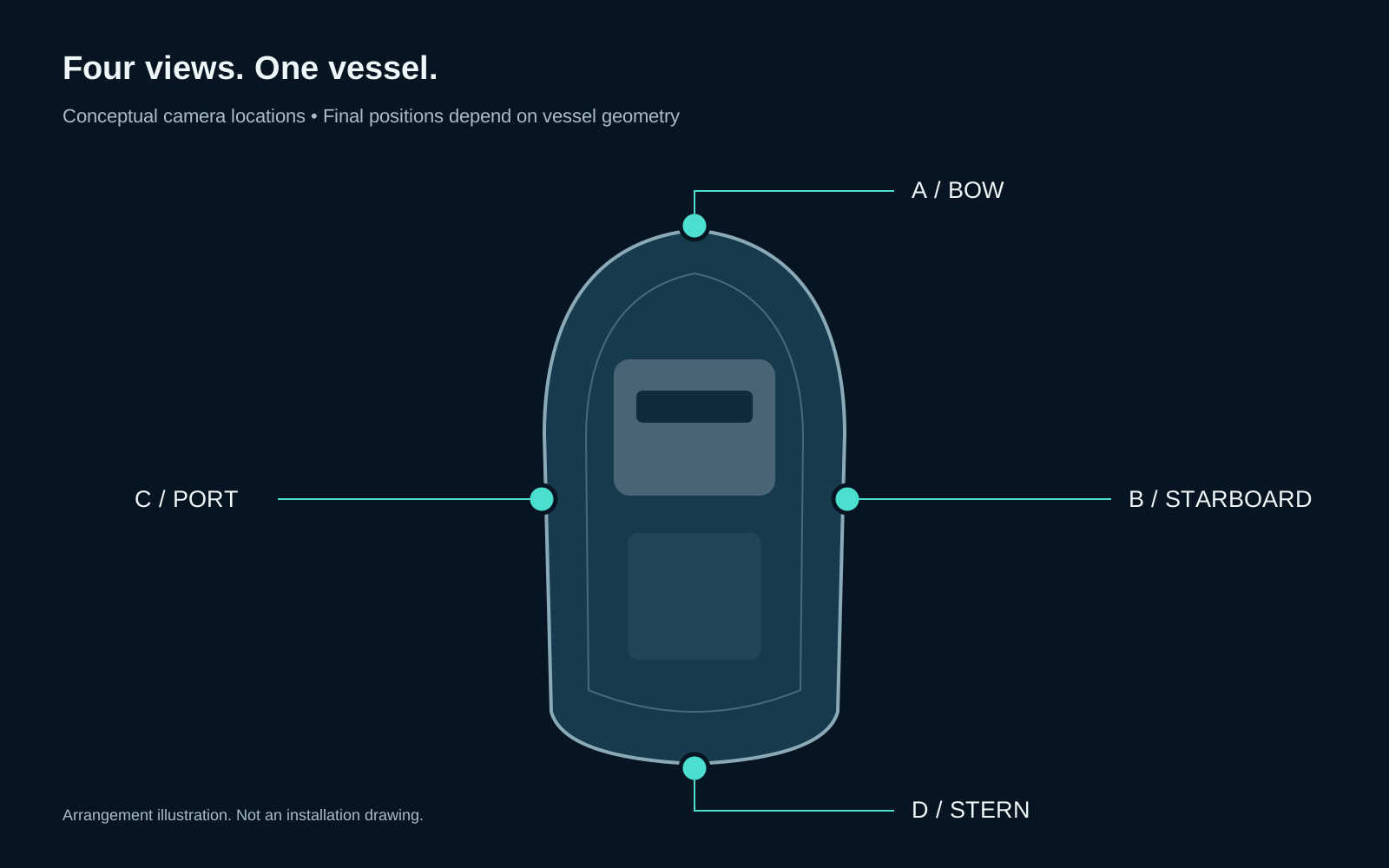
Bring bow, stern, port and starboard camera images to one display.

Discuss camera positions, obstructions and onboard viewing needs before installation.
SV360 is a visual observation aid and does not replace a proper lookout or navigation judgment.
WORKING VESSELS
For owners, operators and marine integrators evaluating camera-based observation around working vessels.
Discuss camera coverage for close-quarters work, vessel-side observation and quay approaches.
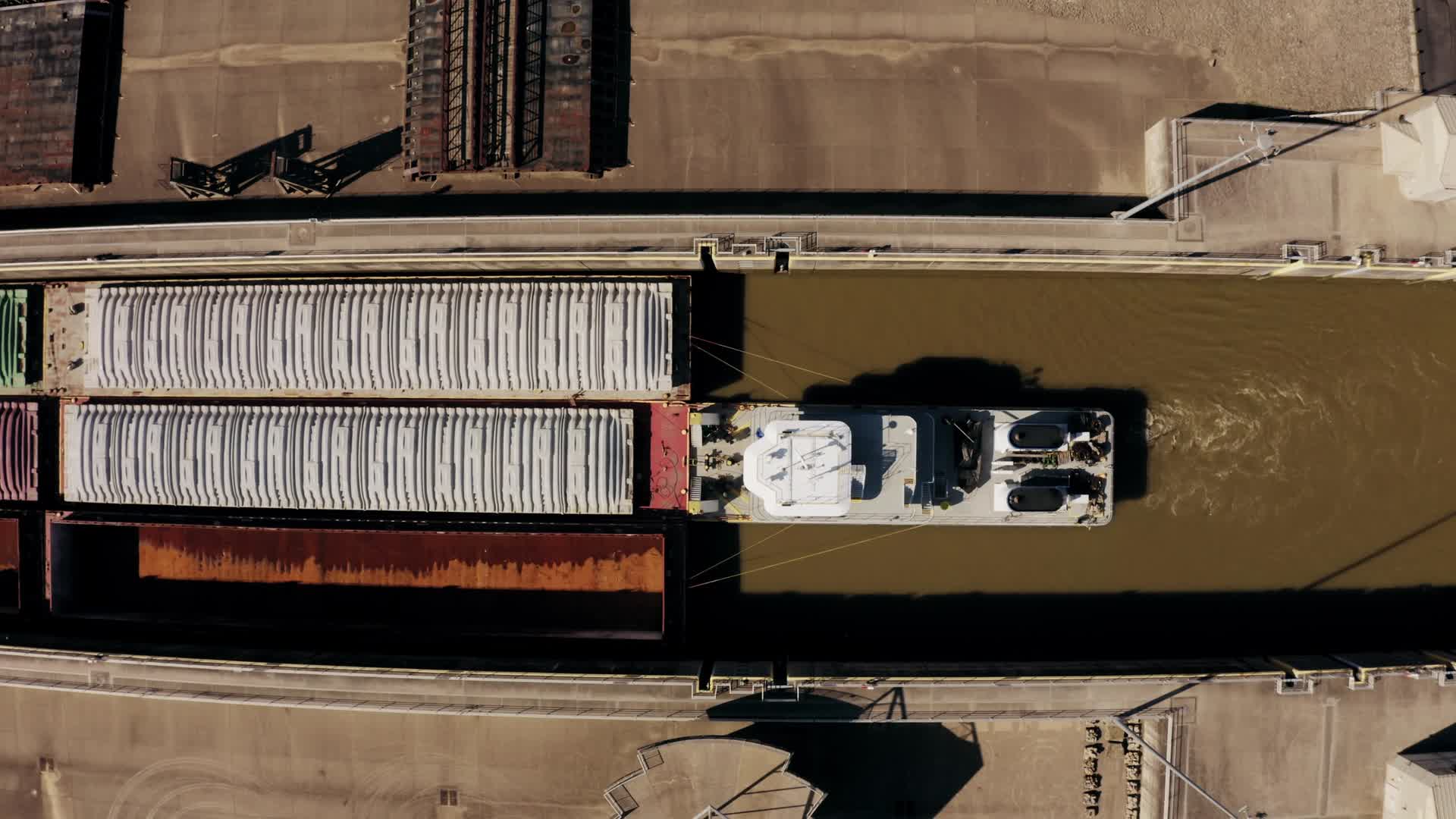
Plan views around the hull for operations in confined waterways and working areas.
INSTALLATION & DELIVERY
A useful surround view starts with the right installation. We review camera positions, vessel geometry and the intended working environment before defining a project scope.
Send vessel dimensions, photos and observation needs.
Review mounting positions, obstructions, power and cabling.
Agree configuration, responsibilities and acceptance criteria.
Plan installation, calibration and on-site evaluation.
Tell us your country, installation port and local installer availability. Installation responsibilities, commissioning arrangements and support scope are agreed before a project starts.
Retrofit feasibility is assessed per vessel, including mounting positions, obstructions, cabling, power and display location.
Calibration relates each camera image to its position on the vessel. The process is planned for the installation; remote commissioning and target-free calibration are not standard confirmed features.
Current enquiries cover SV360 surround-view systems, vessel-specific evaluation and installation planning. Equipment configuration, performance, delivery dates and acceptance criteria are agreed for each project.
The current SV360 scope is camera-based observation. Automatic manoeuvring, collision-avoidance decisions and radar / AIS fusion are outside the current product scope.
ABOUT TYENERGY
TYENERGY is the marine technology brand of TY ENERGY TECHNOLOGY LIMITED, registered in Hong Kong. Our current focus is SV360: camera-based surround view for professional vessel operations.
The SV360 development programme includes a four-camera small-vessel test platform, nearshore image collection and recorded demonstrations. Each customer vessel requires its own installation assessment.
CONTACT / PROJECT ENQUIRIES
Send us your vessel type, installation port and the areas your crew needs to see. We can discuss the system scope and installation requirements.
TY ENERGY TECHNOLOGY LIMITED
Hong Kong